AI Powered
AI Meeting Recorder for macOS
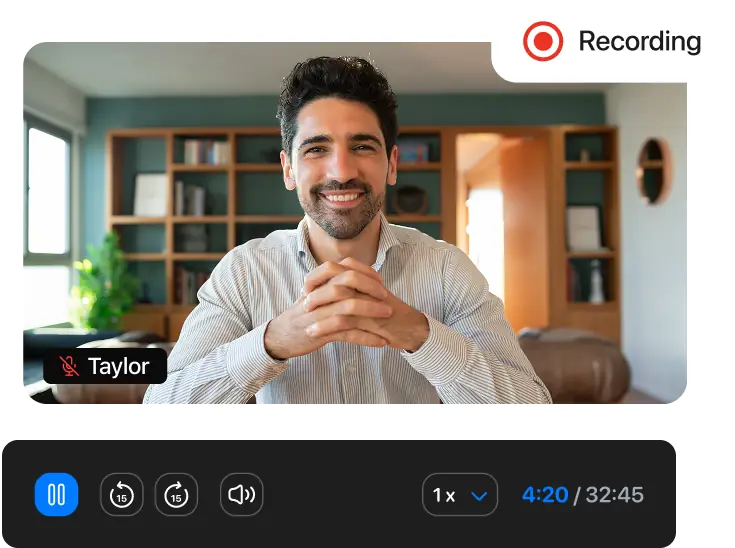
Never miss out again. Recordr is a next-gen meeting recording app for macOS with crystal clear recording, smart transcriptions, and instant summaries.
Get Recordr for Free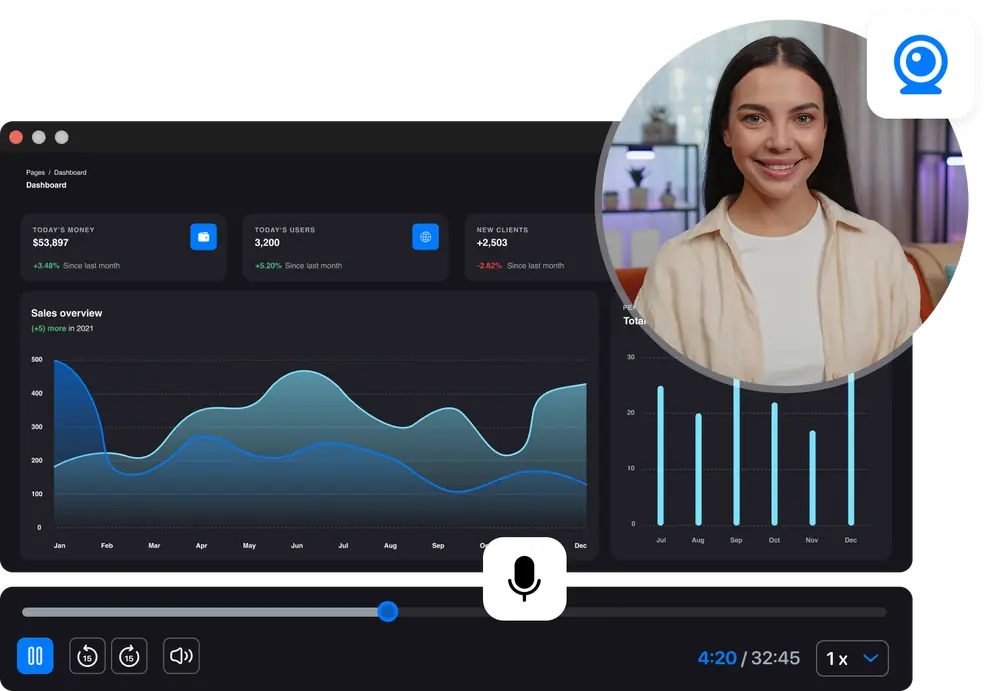
Never miss out again. Recordr is a next-gen meeting recording app for macOS with crystal clear recording, smart transcriptions, and instant summaries.
Get Recordr for FreeCapture your screen, webcam, and audio without juggling multiple tools.
Don't spend hours organizing notes or transcribing after the meeting.
Revisit any meeting anytime as a video, audio, text summary, and more.
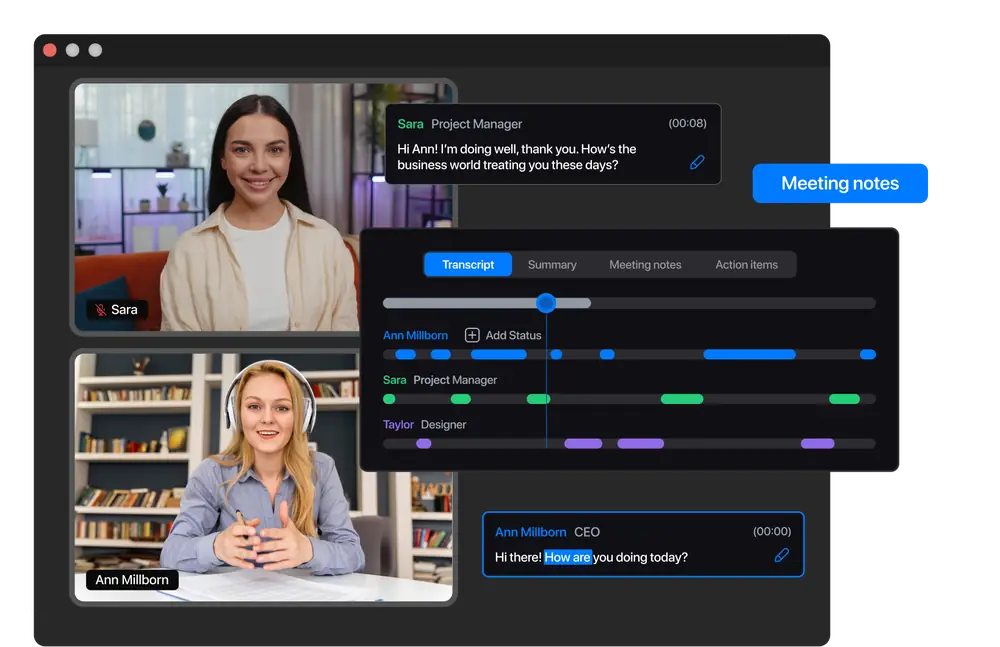
Record, transcribe, and prepare meeting notes. Be fully engaged in the conversation now, and don't spend hours rewatching the meeting to make notes later.
Download App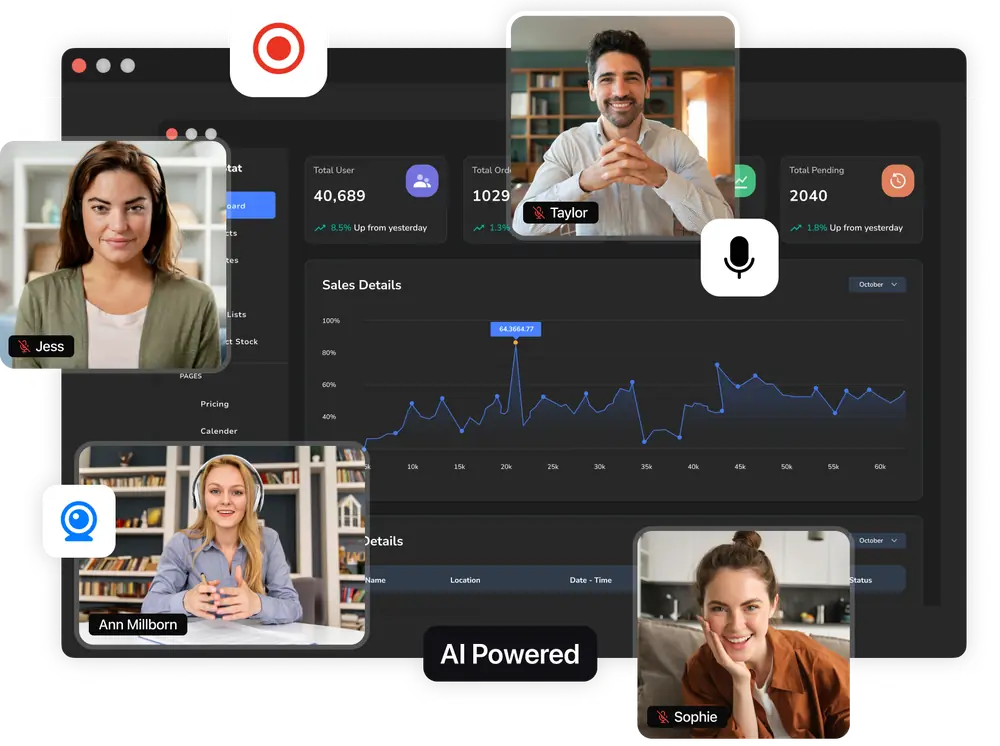
Save time spent on manual note-taking with AI-generated summaries.
Get meeting transcriptions and summaries in your language.
Save your files as MP3, WAV, MP4, AVI, MOV, and more.
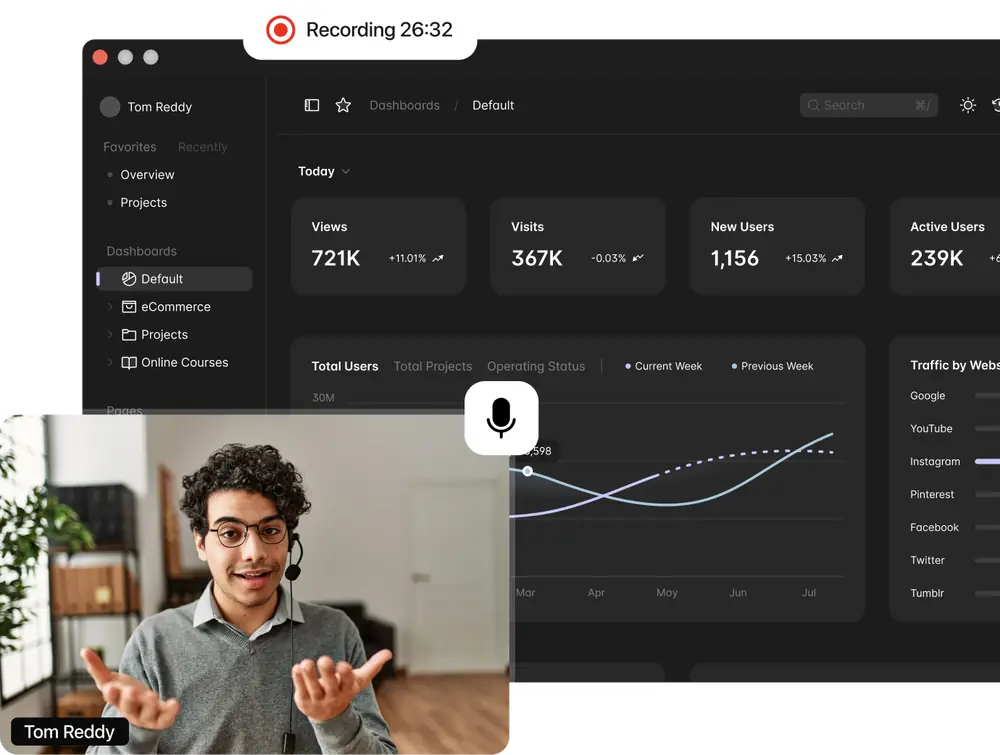
With just one click capture your screen, audio, and web camera feeds simultaneously.
AI transcribes, analyzes, and summarizes your meetings, eliminating manual note-taking for increased efficiency.
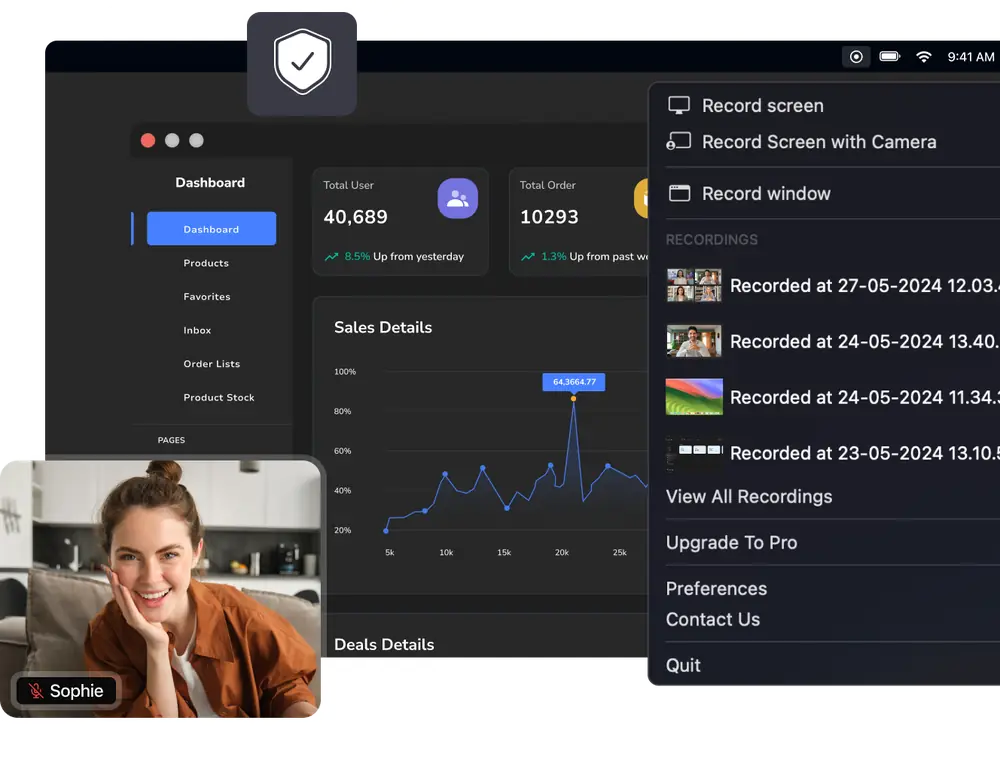
All the data processing is done locally, so it's safe with us — no third parties have access to your meeting information.
Recordr records your Mac's screen and audio directly, so it works with any meeting platform — no plugins, no meeting bots, and nothing for other participants to install.
Recordr captures your screen and audio directly on your Mac, so Zoom calls are recorded without host permission, cloud plans, or a bot joining the meeting.
Capture Google Meet conversations right from your browser window, then let AI turn them into transcripts with speaker identification and ready-to-share notes.
Record Teams meetings locally on macOS and get summaries and action items in seconds — everything is processed on your device, not in someone else's cloud.
Recordr is a native macOS screen recorder, so it works with webinars, demos, interviews, online courses, and any other window or display you can see.
Start focusing on the conversation for free.
Expand your feature set with a Premium plan for AI transcriptions.
Easily capture and analyze videos. Embrace seamless, productive conversations!
Download App